 Business License

What is XPON STICK ONU? Application Scenarios and Setup Guide
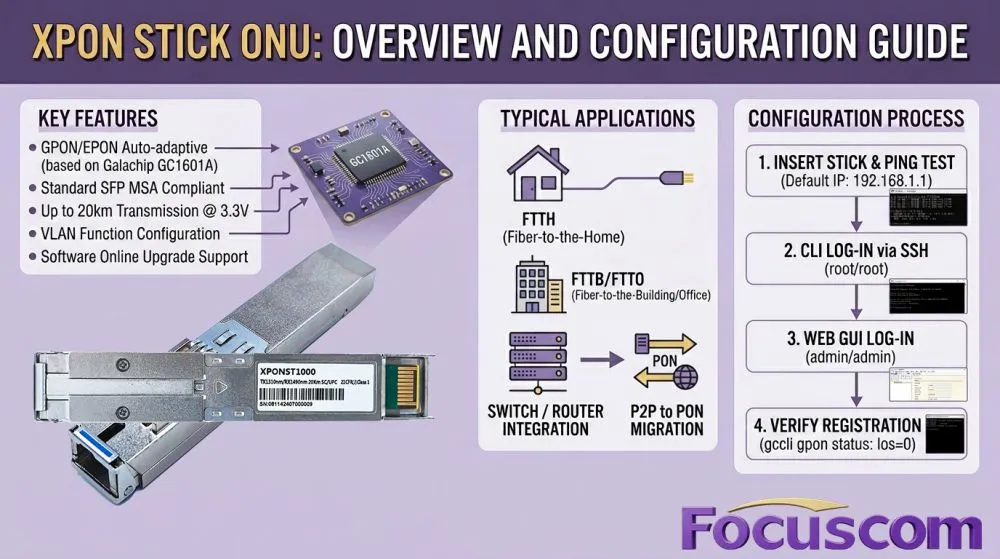
As fiber-optic network technology evolves, the XPON STICK ONU has become a top choice for enterprises and tech enthusiasts due to its compact and efficient design. Powered by the Galachip GC1601A chipset , this module features GPON/EPON auto-adaptive capability. It complies with the standard SFP MSA and delivers up to 20KM of transmission distance under a 3.3V power supply.
1. Typical Application Scenarios
The XPON STICK is primarily designed to replace traditional SFU ONUs , handling Gigabit (or 10G) single-port optical-to-electrical conversion in PON networks.
FTTB / FTTH / FTTO Access: It fully meets carrier-grade requirements for fiber-to-the-building, home, and office deployments.
Network Simplification: It can be hot-swapped directly into the SFP slot of a Layer 2 Ethernet switch , enabling the switch or router to act directly as an ONT and connect straight to the GPON network.
Seamless Migration: Once registered on the central OLT like a standard ONU , the equipment smoothly transitions from a P2P network to a PON network.
2. General Setup & Configuration Steps
Physical Connection & Ping Test: Insert the STICK module into the SFP port of your switch or router. Verify connectivity by running ping 192.168.1.1 (the default IP) from your computer.
CLI Management via SSH: Connect to the default IP using terminal tools like SecureCRT. Log in with the default username root and password root.
Common Commands: Check MAC address (gccli sys mac) , modify and save MAC (gccli sys mac xx:xx... followed by gccli sys save) , or check GPON link status (gccli gpon status).
Web GUI Login: Open a browser and enter 192.168.1.1. Enter the default username admin and password admin to access the graphic dashboard for WAN/LAN configuration and system diagnostics.
3. Equipment Compatibility
This module is widely compatible with major OLT brands such as ZTE, Huawei, and Nokia , as well as switches from Huawei, H3C, TP-LINK, and Cisco.
Recently Posted
-
Demystifying GPON Architecture: What is a GEM Port and Why is it Critical for FTTx Networks?
June 11, 2026In the rapidly evolving domain of optical access networks, GPON (Gigabit Passive Optical Network) remains the foundational technol Read More
 -
Understanding T-CONT and DBA: The Key to Efficient PON Bandwidth Management
June 2, 2026Passive Optical Networks (PON) are the backbone of modern fiber access. But how do OLTs and ONUs coordinate upstream transmission Read More
 -
Focuscom Enterprise PoE Switches: L2/L3 Gigabit to 2.5G Multi-Gig Access with 10G Uplink for Smart N
May 27, 2026In the era of enterprise digital transformation, high-density IP surveillance and Wi-Fi 6/7 corporate Wi-Fi coverage impose strict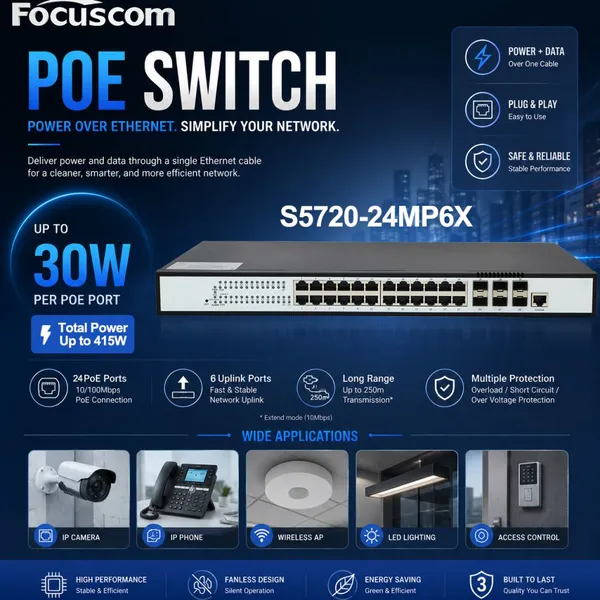 Read More
 -
GPON vs XGS-PON OLT: Which 2-Port Fiber Access Solution is Better?
May 25, 2026With the rapid growth of fiber broadband services, network operators are increasingly choosing between GPON and XGS-PON technologi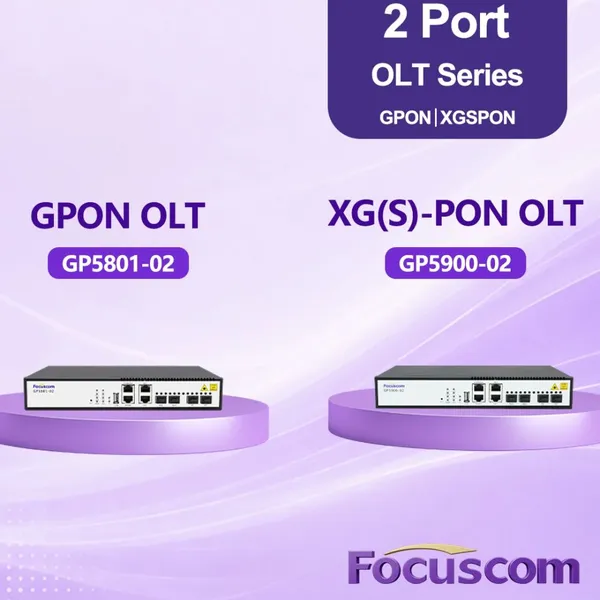 Read More

Contact Us
Recommended Products
-
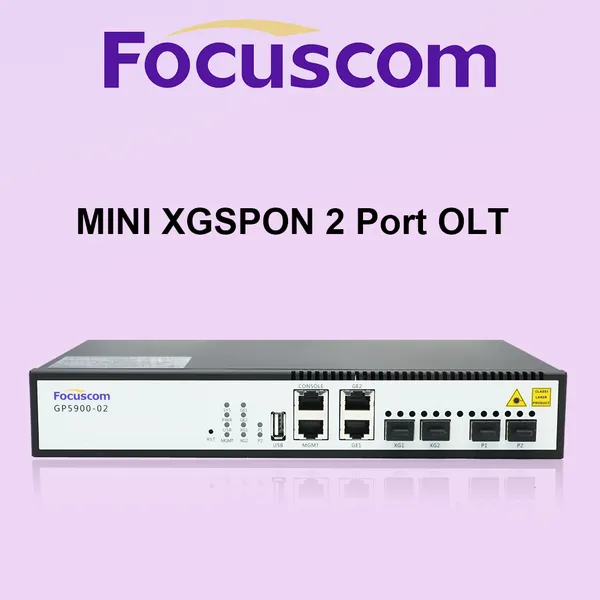
 Mini XGSPON OLT 2 Port Layer 3 Managed Optical Line Terminal With 10G SFP+ Uplink High-Speed FTTH Solution for Small ISPs XGPON OLT Focuscom GP5900-02NegotiableMOQ: 1 Unit
 -
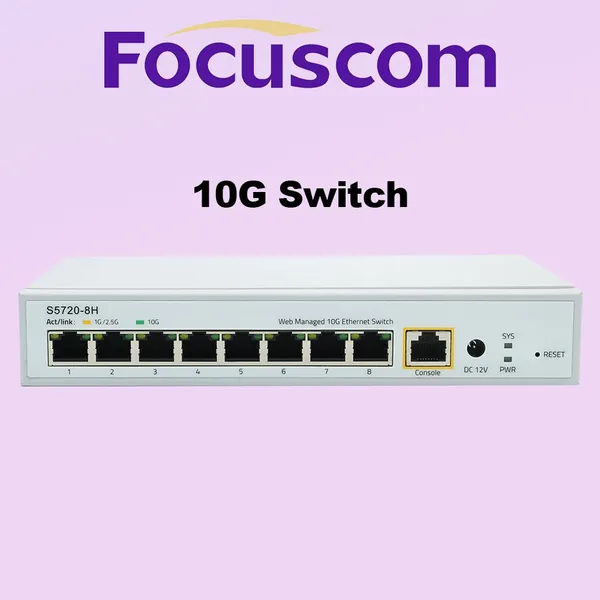
L3 Managed 10G Network Switch, 8-Port 10G Base-T RJ45 Ethernet Switch, High-Performance Enterprise Core/Aggregation Layer Switch Focuscom S5720-8HNegotiableMOQ: 1 Unit
-
L3 Managed PoE Switch 48-Port Gigabit Ethernet Network Switch With 4x10G SFP+ Uplinks High-Performance Enterprise Switch Focus S5710-48TP4SXNegotiableMOQ: 1 Unit
-
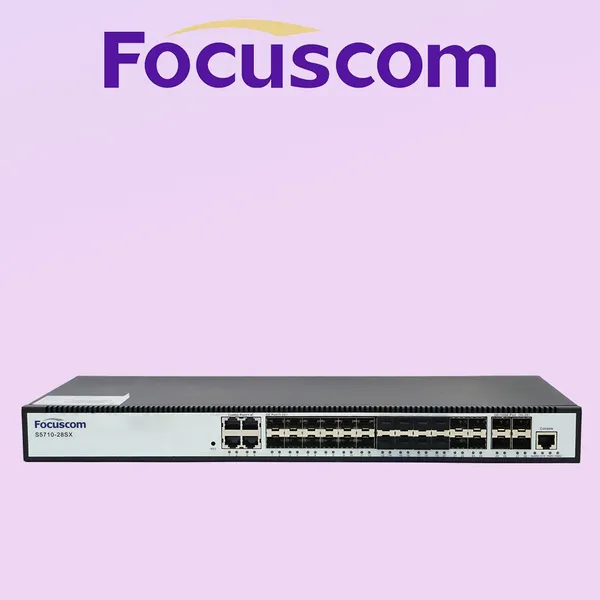
Gigabit L3 Managed Network Switch, 24-Port SFP & 4-Port 10G SFP+ Uplink, High-Performance Enterprise Ethernet Access Fiber Switch Focus S5710-28SXNegotiableMOQ: 1 Unit
-
L3 Managed Enterprise Switch, 24-Port Gigabit RJ45 With 4x10G SFP+ Uplinks, Layer 3 Access Ethernet Network Switch Focuscom S5710-28TXNegotiableMOQ: 1 Unit


-
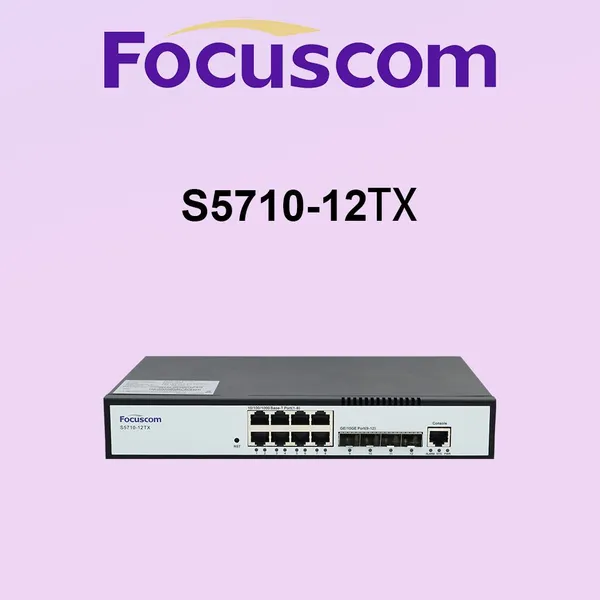
L3 Managed Switch 8-Port Gigabit Ethernet With 4x10G SFP+ Uplink High-Performance Enterprise Network Routing Switch Focuscom S5710-12TXNegotiableMOQ: 1 Unit
-
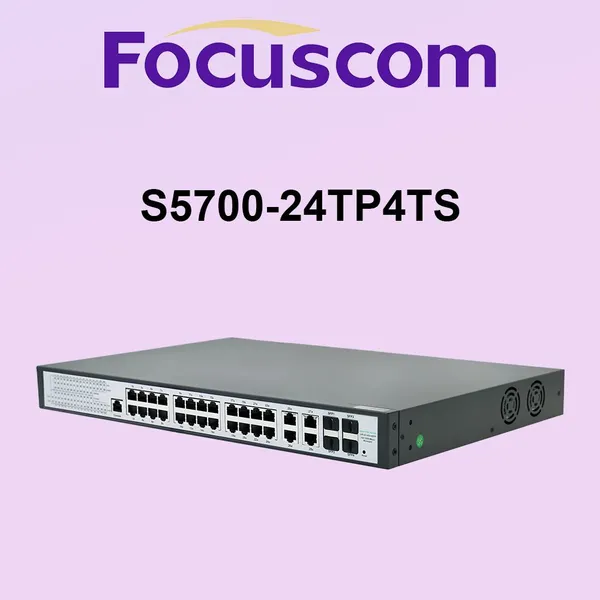
Managed PoE Switch 24 Port 1G RJ45 Port Enterprise Network Switch With 4 Combo SFP Ports POE Switch Focuscom S5700-24TP4SNegotiableMOQ: 1 Unit
-
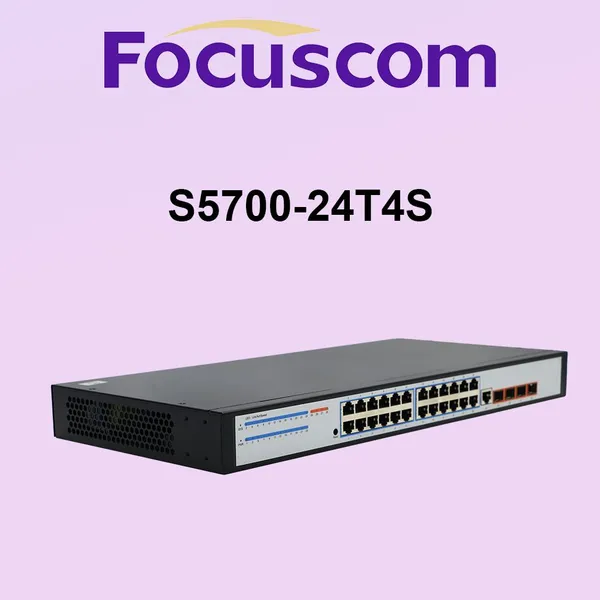
Managed L2 Gigabit Ethernet Switch, 24-Port 1G Base-T Access Switch With 4G SFP Uplinks Network Switch Focuscom S5700-24T4SNegotiableMOQ: 1 Unit
-
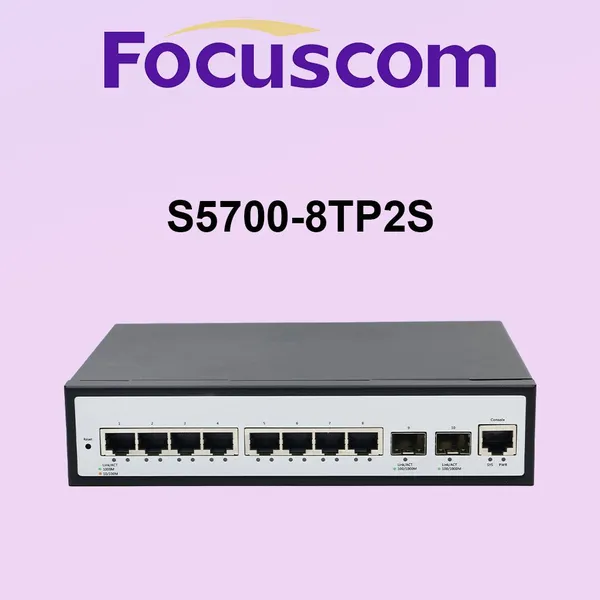
P0E L2 Managed Gigabit Ethernet PoE Switch, 8 Port 1G RJ45 With 2 Gig SFP Network Switch Focuscom S5700-8TP2SNegotiableMOQ: 1 Unit
-
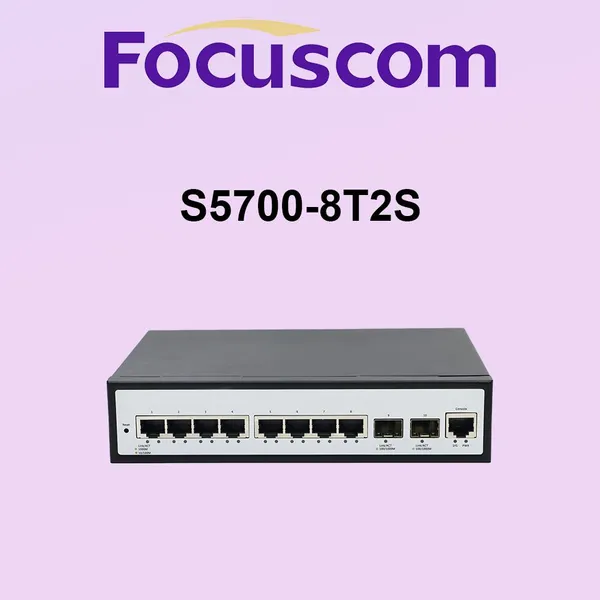
L2 Managed Gigabit Ethernet Switch, 8-Port 1G Base-T & 2-Port 1G SFP Uplink, High-Performance Enterprise Access Network Switch Focuscom S5700-8T2SNegotiableMOQ: 1 Unit
-
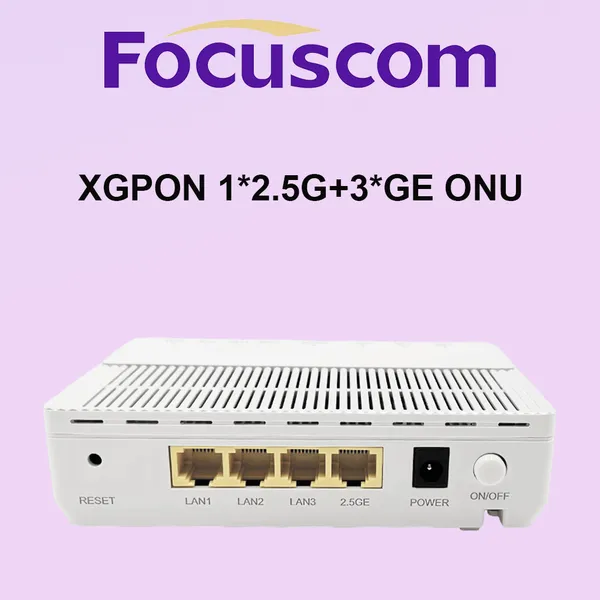
XGPON GPON ONU With 2.5G Ports Dual Mode High-Speed Optical Network Terminal for Next-Gen FTTH Business Solution XGPON ONU Focuscom FX3024NegotiableMOQ: 1 Unit
-
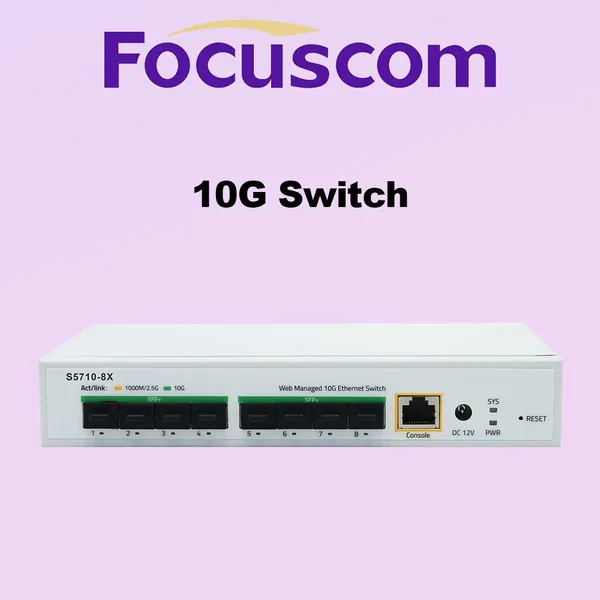
10G L3 Managed Fiber Switch, 8-Port 10G SFP+ High-Performance Stackable Enterprise Network Switch Focuscom S5720-8XNegotiableMOQ: 1 Unit
-
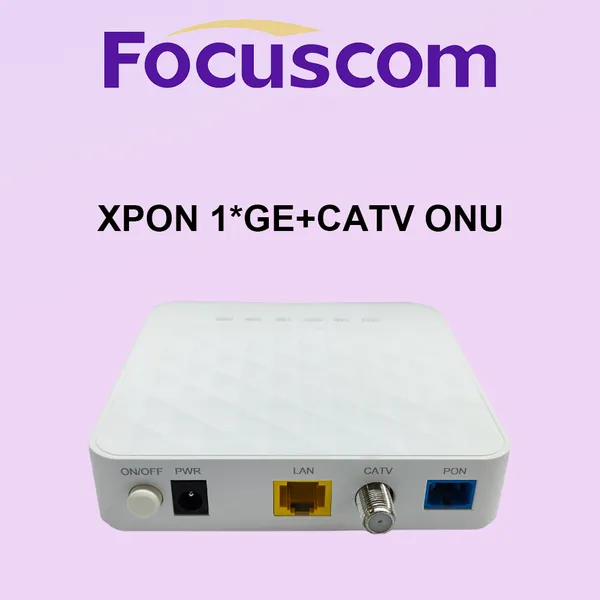
GPON ONU 1GE+CATV Single Port High-Speed Modem Dual Mode XPON EPON ONU for FTTH Solution and CATV System Focuscom FC2001-TNegotiableMOQ: 1 Unit
-
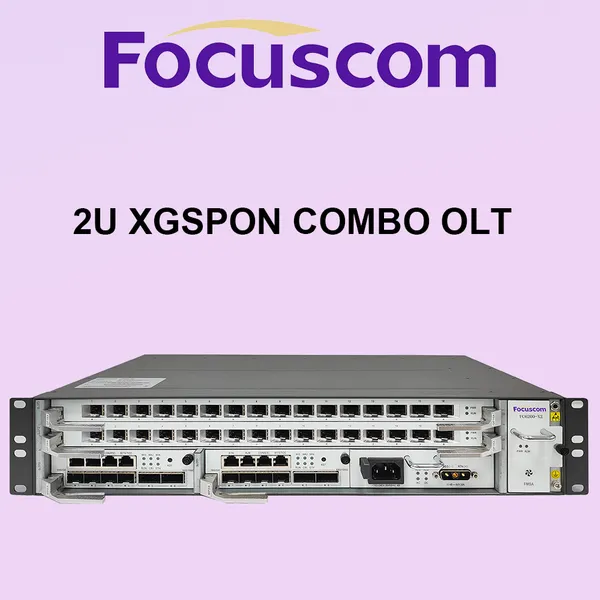
2U XGSPON Combo OLT Chassis With 32-Port Capacity Dual Main Control Boards and AC+DC Redundant Power Supply Modular XGPON OLT Focuscom FC6200-X2NegotiableMOQ: 1 Unit
-
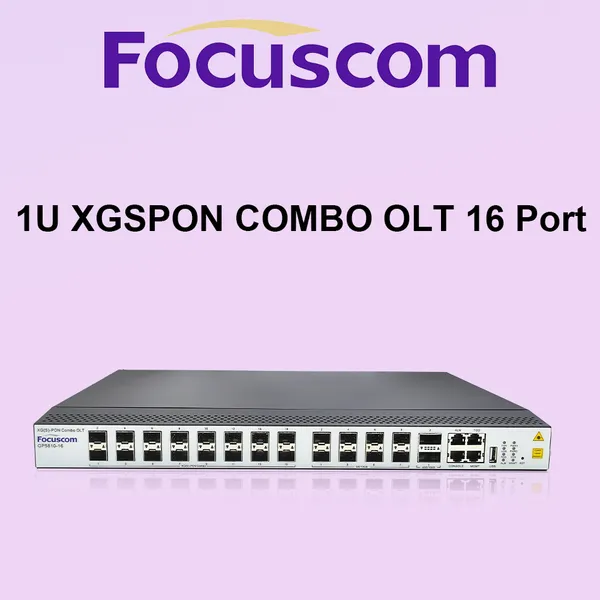
16 Port XGSPON Combo OLT Layer 3 Managed High-Density Optical Line Terminal With 100G Uplink FTTH Solutions XGPON OLT Focuscom GP5810-16NegotiableMOQ: 1 Unit
-
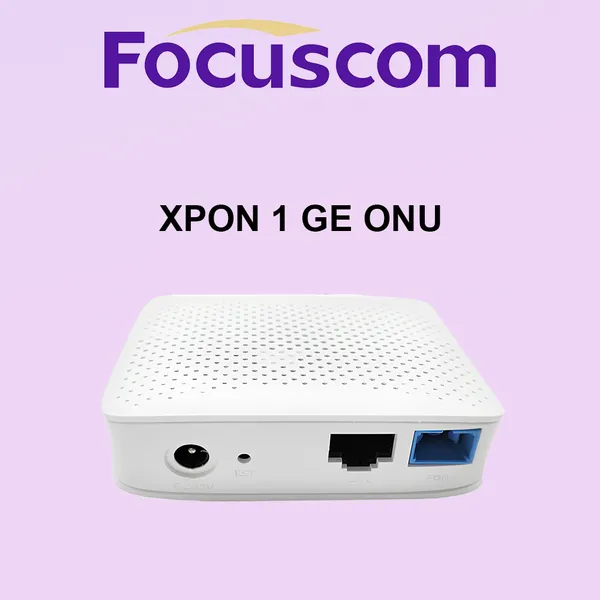
XPON 1GE ONU Bridge Mode High Performance Mini ONT Compatible With Huawei ZTE OLT for FTTH Fiber Optic Network Solutions GPON ONU Focuscom FC2001NegotiableMOQ: 1 Unit
-
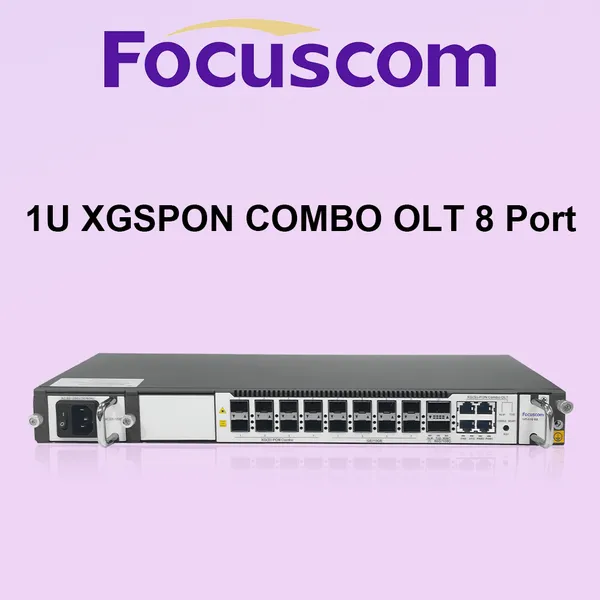
8 Port XGSPON Combo OLT 1U Rackmount Layer 3 Managed Terminal With 10G SFP+/100G Uplink for High-Speed FTTH ISP Solutions Focuscom GP5810-08NegotiableMOQ: 1 Unit
-
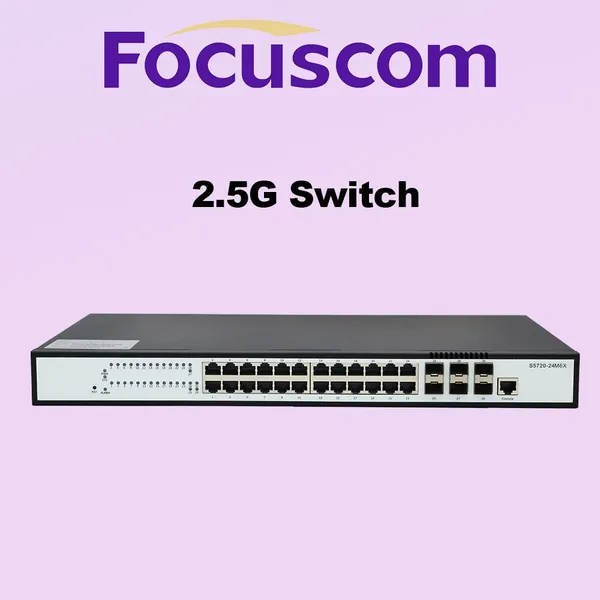
L3 Managed Network Switch, 24-Port 2.5G RJ45 With 6-Port 10G SFP+ Uplinks, Stackable Enterprise Access Layer Ethernet Networking Switch S5720-24M6XNegotiableMOQ: 1 Unit
-
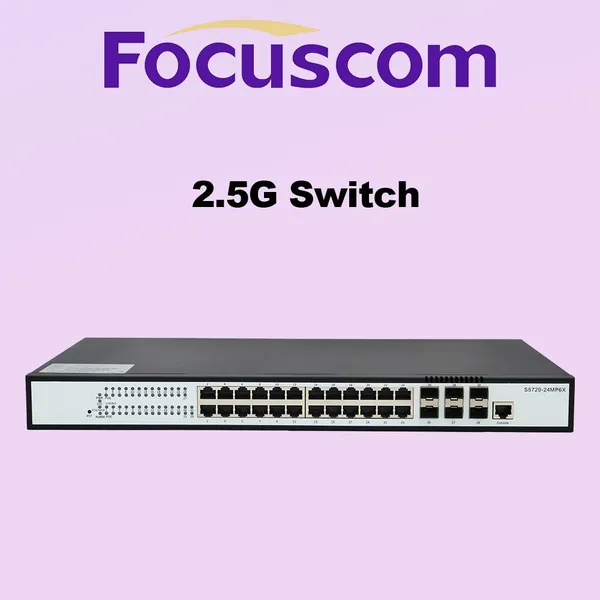
Layer 3 Managed PoE Switch, 24-Port 2.5G Base-T and 6-Port 10G SFP+ Uplink, Enterprise Ethernet Network Switch Focuscom S5720-24MP6XNegotiableMOQ: 1 Unit
-
L3 Managed Gigabit Ethernet Switch, 48-Port 10/100/1000Base-T With 4x10G SFP+ Uplinks, High-Performance Network Switch Focuscom S5710-48T4SXNegotiableMOQ: 1 Unit